
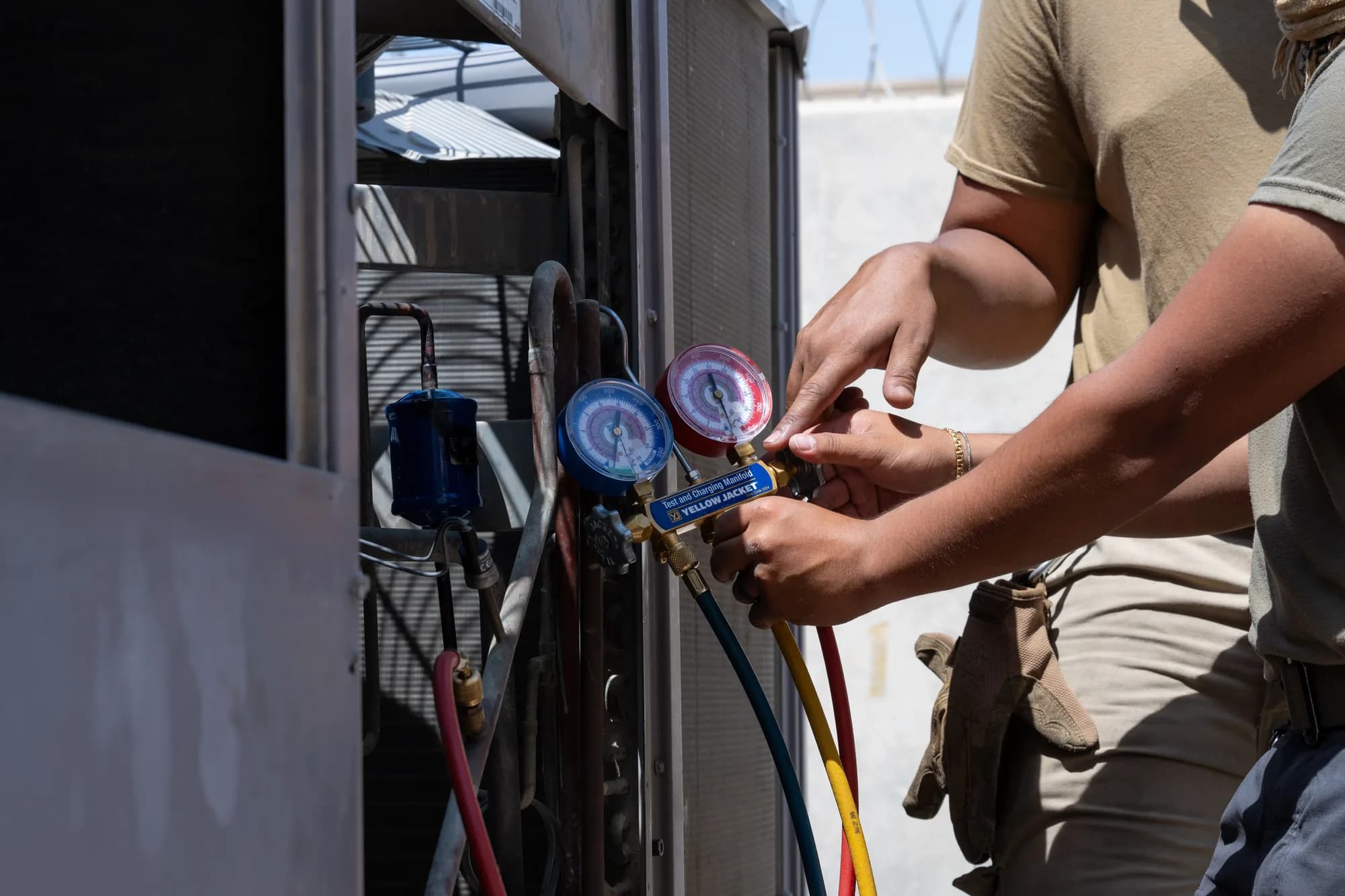
HVAC runs on timing. Demand follows the weather, so calls, tickets and quotes pile up in the same weeks your techs are on roofs and in crawlspaces, and the office cannot double overnight. What slips first is the follow through: the ticket missing a gate code, the member whose tune up never got booked, the replacement quote nobody called back, the no heat call at 9pm that went to voicemail.
Below: where AI fits in an HVAC company, the dispatch handoff with tools like ServiceTitan, maintenance agreement follow up, quote follow up and reporting. Then the HVAC answering service: missed calls in heat waves and cold snaps, staffed service or AI agent, emergency triage including gas smell calls, and booking. Then what to measure, what drives the cost, and when you should not buy this from us. HVAC is one of the home service trades we build for. The home services page covers electrical, roofing and flooring, and plumbing has a page of its own.
Where AI fits in an HVAC company
Most HVAC companies do not need one large AI project. They need the few steps where work slips fixed in order: the ticket that reaches the tech incomplete, the member whose tune up never gets booked, the replacement quote nobody follows up, the report nobody can run, and the call nobody answers.
We start by finding which of those costs you the most, from your own call logs, job records and agreement lists. Then we build the fix inside the tools you already run, such as your field service software, phone system and CRM, and train your office to run it without us.
The phones are one of those steps, not the whole answer. An HVAC answering service built on an AI voice agent covers nights and peak days; dispatch tickets, renewals, quote follow up and reporting are workflow and data builds around it. The sections below take each in turn, starting with dispatch.
Handing off to dispatch and ServiceTitan
A booked call is only useful if it lands where your dispatcher works. When your field service software supports it, the agent creates or updates the customer, the location and the job directly. ServiceTitan offers an API for integrations, and access is granted through your ServiceTitan account, so whether a direct connection is available depends on your account and its settings. Other field service tools vary in what they expose.
Where a direct connection is not available, the job goes to dispatch as a formatted ticket by email, text or a shared queue, and a person confirms it. We tell you which you will get before the build starts. Our guide on connecting an AI phone agent to field service software covers the options.
Every connection runs in accounts you own, with credentials you hold, so the integration and its logs stay with you if you stop working with us.
Maintenance agreements and seasonal tune up follow up
Maintenance agreements smooth out the seasonal swing only if members get their tune ups and renew. That is a workflow automation problem more than a phone problem. We pull the member list from your field service software, sort it by agreement date and last visit, and send reminders ahead of the shoulder season when techs have capacity.
Members can book by replying, calling the voice agent or using a link; anyone who does not respond goes on a short office call list. A person still handles cancellations and price conversations, because those decide whether a member stays.
Replacement quotes and follow up
A repair visit on an aging system often ends with a replacement quote, and that quote is where the largest jobs are won or lost. The usual gap is follow up: the quote goes out, the tech moves on to the next call, and nobody checks back before the homeowner has collected two more quotes.
We build follow up that runs from your field service software or CRM. When a quote is sent, the homeowner gets a short check in by text or email on a schedule you set, open quotes past a set age go on a call list for your comfort advisor or the office, and any reply goes straight to a person. The automation never negotiates price. It makes sure someone asks.
Track it by open quotes older than two weeks and by the share of quotes that got any follow up at all. Those two numbers show whether the gap is closing.
Reporting on which calls became jobs
Most HVAC owners can see call volume in the phone system, jobs in the field service software and revenue in the accounting system, but not the three joined. The questions that matter sit across them: which marketing sources produce booked jobs, which repair calls turned into replacements, how many maintenance members renewed, and where techs lose hours between jobs.
We build a weekly report that joins those records in a data store you own, with each number defined in writing so it means the same thing every week. It starts with the three or four questions you actually ask, not a dashboard of everything, and it shows whether the dispatch, renewal, quote and phone fixes above are paying off.
HVAC answering service: heat waves, cold snaps and missed calls
HVAC demand follows the weather, not your staffing plan. When temperatures swing, every homeowner whose system was limping along calls in the same 48 hours, and your office team cannot double overnight.
The cost of a missed call here is direct. A no cooling call in July is a booked repair, and sometimes the first conversation about a replacement. Our missed call calculator estimates what unanswered calls are worth using your own call volume, answer rate and average job value.
Before buying any HVAC call answering service, pull a month of call logs. Count calls by hour, calls that rang out and calls sent to voicemail. That report shows whether your problem is nights, peak days or lunch hours, and gives you a baseline to hold any vendor to.
Staffed HVAC answering service or AI voice agent
A staffed HVAC specialty answering service puts a trained human on overflow and after hours calls. That fits when callers need reassurance a script cannot give, or your process changes too often to write down. Common limits to check: whether operators answer for many companies at once, whether they book or only take messages, and whether billing grows with call minutes.
An AI voice agent answers every call on the first ring, follows your triage rules the same way every time, and books directly into open windows when connected to your schedule. Its limits: it needs a written process to follow, it should hand off anything outside that process to a person, and it must be tested against your actual call types before going live.
Many HVAC companies end up with a mix: the office answers during the day, the AI handles overflow when lines are busy and everything after hours, and a human on call tech gets a live transfer or a page for true emergencies. That is how we usually set it up.
- Choose a staffed service if your callers frequently need judgment calls your team cannot write down.
- Choose an AI hvac virtual receptionist if your problem is volume, after hours coverage and getting bookings rather than messages.
- Choose neither yet if you miss very few calls today; fix scheduling or staffing first.
Emergency triage: no heat, no cooling, gas smell
Triage is the part of an hvac after hours answering service that protects both customers and your techs. The agent asks a short set of questions you approve: is there heat or cooling at all, is anyone in the home elderly, an infant or medically vulnerable, what is the outside temperature, is water leaking, is a carbon monoxide alarm sounding. The answers decide whether the call books for the next open window, pages the on call tech, or transfers live.
Gas smell calls are different and must never be treated as a booking. The agent tells the caller to leave the building now, not to use switches or appliances, and to call the gas utility's emergency line or 911 from outside. It does not troubleshoot. A carbon monoxide alarm gets the same rule: get out and call 911. After that safety instruction, the agent can log the call and alert your on call person so you can follow up.
Your rules decide the rest. Some companies page the on call tech for every no heat call below a set temperature; others book it first thing unless a vulnerable person is home. We write those rules with you, test them against real call recordings, and log every triage decision for next day review.
Booking service windows and capturing job details
Booking is where an AI agent earns its keep compared with a message taking hvac phone answering service. The agent reads open windows from your schedule, offers the caller the slots you allow for that job type, and confirms by text. You decide which job types it may book, how much capacity it may fill, and which calls always go to a person, such as replacement quotes or commercial accounts.
It also collects what techs need: address and callback number, heat pump or furnace, approximate unit age, the symptom in the caller's words, whether the thermostat and breaker were checked, pets, gate codes, and maintenance agreement status. Every call ends with a written summary and a recording for the office.
What to measure after launch
Hold any answering service for an HVAC company to numbers you can check yourself: answer rate by hour, calls handled after hours, jobs booked by the agent, emergencies escalated and how fast the on call tech responded, transfers to a person, and booked jobs later cancelled or booked as the wrong job type. A weekly report joining call logs to completed jobs shows whether answered calls become revenue. Review a sample of recordings weekly for the first month; that is where you catch a triage question that confuses callers.
Hall's Heating and Air: 80% of handled calls after hours
Hall's Heating and Air went live with a Benian voice agent in October 2025. The agent answers routed calls on the first ring around the clock, triages urgency, books service windows, and captures the caller, address and issue for the morning dispatch.
The figures are labeled by how they were obtained. Measured: a 100% pickup rate through seasonal peaks, 23 jobs booked in month one, a pace above 200 calls a month, and 80% of AI handled calls arriving outside business hours. Client reported: about two hours of owner time saved per day. The agent did not replace the person at the desk. It works the shift no one was staffing.
What drives the cost of an HVAC answering service
We do not publish prices, because the build is scoped to your operation. What drives cost is predictable, though. The number of call types and triage rules, whether the agent books directly into your field service software or sends structured tickets, how many locations and service areas it covers, whether it handles transfers and on call paging, and whether you add maintenance agreement follow up and reporting.
Running costs come from the voice and phone platforms, which generally bill by call minute, in accounts under your name. When comparing quotes, ask how the bill changes if call volume doubles in July.
When you should not hire Benian: if your office already answers nearly every call, if your call volume is low enough that a callback the same hour costs you nothing, or if your scheduling process is not written down anywhere. In that last case, start with the free Opportunity Map or a 30 minute call to get the process clear first. A voice agent cannot follow a process that does not exist yet.
Zapier and ServiceTitan: what is available
Searches for zapier servicetitan and service titan zapier usually come from someone who wants to wire a form or a CRM straight into ServiceTitan without a developer. Before planning around that, open Zapier's app directory and check whether a ServiceTitan listing currently exists, who publishes it and exactly which triggers and actions it offers. Availability has changed over time and we do not state the current list here; treat it as unknown until you have read it yourself.
Even where a connector exists, the pattern we see is the same: the safe, simple actions are covered and the operational ones are not. Creating a booked appointment on a real technician's schedule depends on business units, job types, campaigns and capacity rules inside your ServiceTitan setup. A generic connector rarely knows those rules, so a Zap that drops a lead into the right queue for a CSR to confirm is realistic, and a Zap that books a truck is usually not.
Zapier itself charges by task volume, so a high volume flow such as every inbound call or every job status change grows its bill as it runs. For a low volume hand-off, such as a weekly spreadsheet export or a notification, Zapier is often the right buy and you should set it up yourself. For anything that writes jobs or customers at volume, use the API.
The ServiceTitan API and integration access
ServiceTitan offers a developer program with a documented API that covers the core records: customers, locations, jobs, appointments, booking requests and more. Access is not open by default. An application is registered with ServiceTitan and then the ServiceTitan customer grants that application access to their own tenant. The current terms, which endpoints a given account can use and any approval steps are set by ServiceTitan, so confirm them with your ServiceTitan account manager before scoping a build.
When we build on the API, the connection lives in accounts you control. The automation runs in your own n8n account, the credentials are created in your ServiceTitan tenant, and you can revoke our access without asking us. If you ever stop working with us, the workflows keep running.
A partner app from ServiceTitan's marketplace can be the better answer than a custom build. If a listed partner already does exactly what you need, such as call tracking or review requests, buy it. Custom work earns its place when your rules are specific: how you triage emergencies, which business unit owns which zip codes, or how leads from a given source should be tagged.