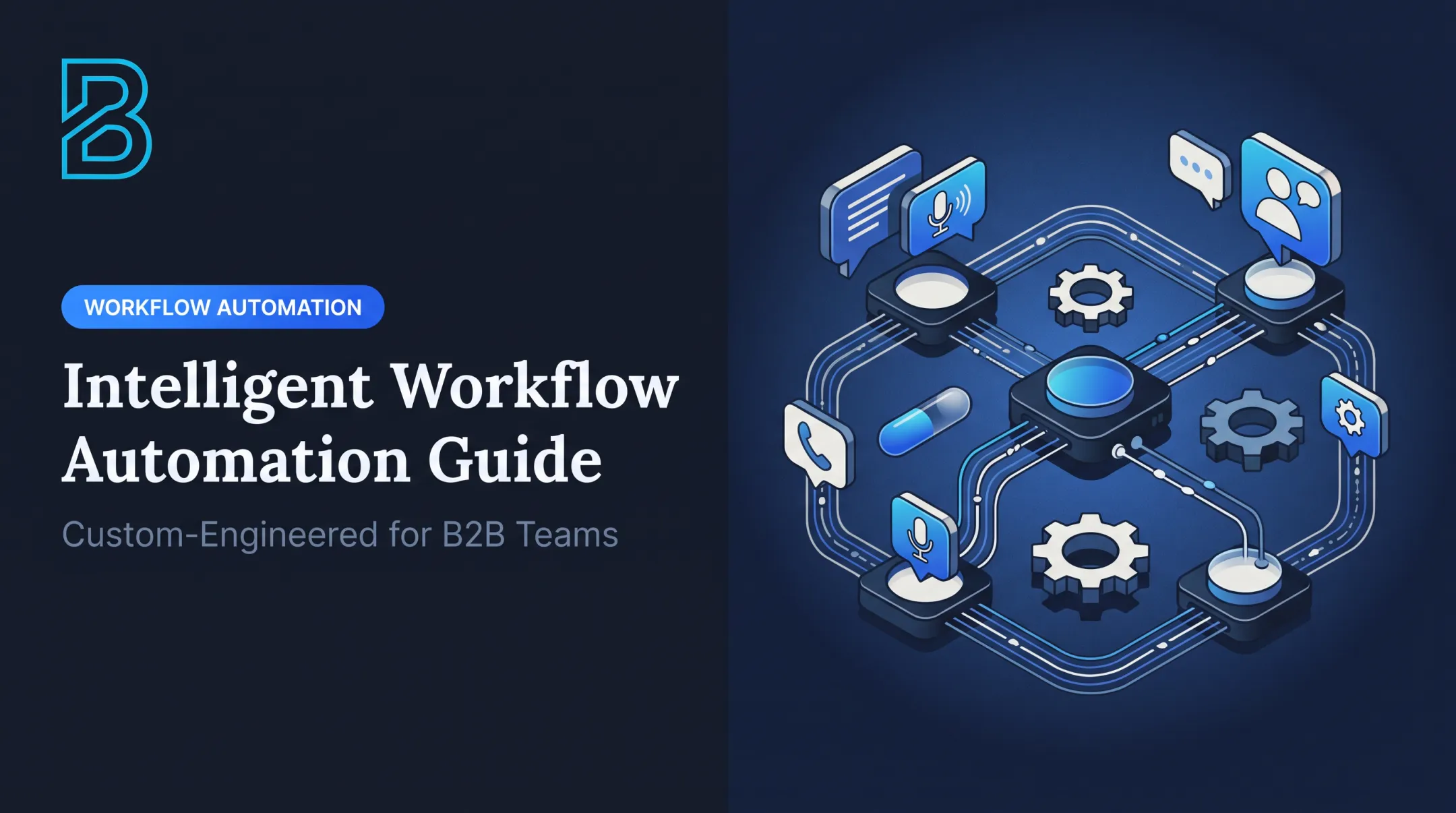

Workflow automation software fixes this by connecting your business apps so that when one thing happens, the next step happens automatically. A lead form gets submitted, and the CRM updates itself. An invoice goes unpaid, and a reminder fires on schedule. No one has to remember, because the system already did.
This guide compares five workflow automation tools, Zapier, Make, Microsoft Power Automate, n8n, and Airtable, across ease of use, integrations, AI capabilities, technical control, pricing, and which small-business workflows each one actually fits.
Key Takeaways
- Workflow automation cuts manual work in sales, finance, support, and admin by connecting triggers, rules, and actions across your apps.
- Zapier and Make suit nontechnical teams; Microsoft Power Automate fits shops already on Microsoft 365.
- n8n suits technical teams that need custom logic, self-hosting, or tighter control over data.
- Pick the tool for your workflows, stack, and technical capacity, not integration count alone.
- Start with one measurable workflow and keep a human in the loop for high-stakes decisions.
Overview of Workflow Automation for Small Businesses in the US
Workflow automation follows a simple sequence: a trigger happens (a form submission, a new row, a paid invoice), the system checks rules or conditions, then it performs one or more actions across connected apps. Add a human approval step, and you've got a workflow that's both automated and accountable.

This isn't the same as project management software, which tracks tasks people still do manually. Robotic process automation scripts repetitive clicks inside legacy software. AI agents make judgment calls rather than follow fixed rules.
Practitioners in a Gartner Peer Community discussion draw this line clearly: traditional automation follows predefined programmatic rules, while an AI agent uses contextual data to make its own decisions. Some tools blend both, but the underlying logic differs.
Common small-business use cases include:
- Lead capture and CRM routing
- Appointment booking and reminders
- Invoice notifications and payment follow-ups
- Support ticket triage
- Employee onboarding checklists
- Internal approval chains
Use fixed rules when the task is predictable, such as moving a paid invoice to "closed." Use AI when the workflow needs to classify, summarize, or interpret unstructured input, like sorting support emails by urgency before a person reviews them.
Adoption is already widespread. The Richmond Fed's 2024 CFO survey found that around 60% of all firms (and nearly 85% of large firms) had implemented automation over the prior 12 months, and around 65% called it a strategic priority. The survey covers firms of all sizes, but automation has moved from optional to a baseline expectation for many firms.
The five tools below take different approaches, from beginner-friendly app connectors to developer-controlled infrastructure. Which one fits depends less on features and more on who's running the show internally.
Workflow Automation Tools for Small Businesses
We evaluated each tool on accessibility for lean teams, integration depth, AI support, pricing transparency, security controls, and whether it can actually produce measurable operational results, not just connect apps for the sake of connecting them.
Zapier
Zapier remains the most accessible no-code option on this list. Triggers, actions, filters, and multi-step paths let you build workflows without writing a line of code. Zapier's own directory lists 9,000+ connected apps, which covers nearly every mainstream CRM, form tool, and email platform a small business already uses.
It's a strong fit for structured, relatively simple processes: lead capture into a CRM, calendar actions, form-to-email notifications.
| Feature | Details |
|---|---|
| Best for | Fast setup, nontechnical teams |
| Setup difficulty | Low |
| AI capabilities | Basic AI-assisted actions |
| Integration depth | Very broad (9,000+ apps) |
| Pricing model | Free (100 tasks/month); Professional from $19.99/month for 750 tasks, billed annually ($29.99 billed monthly) |
| Main limitation | Task limits and rising costs at volume |
| Example workflow | New website form → CRM record created → welcome email sent |
Watch for these limitations:
- Task limits scale quickly; Team plans start at 2,000 tasks/month for $69/month, billed annually
- Pay-per-task overage runs 2.5x the base rate on monthly billing, versus 1.25x on annual plans
- Governance features are gated: SAML SSO and audit logs start on Team, while SCIM provisioning is Enterprise-only
Make
Make is a visual workflow builder for businesses that have outgrown a single trigger-to-action Zap. Its canvas shows the entire flow of a scenario, including branches, filters, and data transformations, so you can actually see the logic instead of guessing at it.
Make suits jobs like routing leads by source, syncing a CRM with a spreadsheet, or enriching form submissions before they reach your database.
| Feature | Details |
|---|---|
| Best for | Multi-step logic and process visibility |
| Visual design | Drag-and-drop scenario builder |
| Branching/data handling | Strong, built for complex conditions |
| Integrations | 3,000+ pre-built apps |
| Pricing model | Free (1,000 credits/month); paid Make plan listed from $9/month for 5,000 credits |
| Learning curve | Moderate |
The trade-off is maintainability. More branching means more edge cases to test, more failed runs to monitor, and a real need for someone internally who owns the scenario long-term. A scenario nobody documents becomes a scenario nobody can fix.
Microsoft Power Automate
If your business already runs on Microsoft 365, including Outlook, Teams, Excel, and SharePoint, Power Automate is the natural extension. It automates approvals, document routing, Teams notifications, and onboarding tasks without leaving the Microsoft ecosystem.
| Feature | Details |
|---|---|
| Ecosystem fit | Native to Microsoft 365/Power Platform |
| Connector availability | Broad, with premium connectors for advanced apps |
| AI-assisted features | Copilot can build flows from natural-language prompts |
| Licensing | Premium: $15/user/month, paid yearly |
| Governance | Managed environments, admin-level controls |
| Best use case | Internal approvals and Microsoft-data workflows |
Some Microsoft 365 licenses include limited Power Automate rights for standard connectors, but these aren't equivalent to standalone Premium licensing. Any flow using AI Builder requires Premium, and premium connectors need their own entitlement. Confirm your organization's licensing before assuming a flow will run without extra cost.
N8n
n8n is a low-code platform built for teams with developer support. You can build visually for straightforward jobs, then drop into code when a workflow needs custom logic, webhooks, or an API that n8n doesn't natively support.
It fits custom CRM synchronization, AI-assisted classification, and internal dashboards where standard connectors fall short.
| Feature | Details |
|---|---|
| Technical skill required | Moderate to high |
| Deployment | Cloud or self-hosted |
| Customization | High, code-when-needed model |
| Data control | Full, especially self-hosted |
| Pricing model | Starter: €20/month, billed annually, for 2,500 executions |
| Best-fit maturity | Technical teams or businesses with developer access |
Self-hosting means you own everything: hosting, credential security, updates, error handling, backups, and logging. n8n's own deployment guide points teams without technical expertise to its fully managed Cloud option. For a head-to-head view, see n8n vs. Zapier. This flexibility is genuine, but it comes with operational responsibility attached.
Airtable
Airtable blends a database with lightweight automation, making it useful for businesses that need structured records more than complex logic. Forms, views, and automations live in one workspace, which works well for approvals, onboarding, and inventory tracking.
| Feature | Details |
|---|---|
| Database/forms | Strong, spreadsheet-database hybrid |
| Automation options | Trigger-based, moderate complexity |
| Collaboration | Built-in views and permissions |
| Pricing model | Free tier; Team plan at $20/user/month, billed annually |
| Scalability | Good for structured records, limited for high-volume transactions |
| Best use case | Content approvals, vendor onboarding, sales pipelines |
Airtable becomes less suitable once you need high-volume transactional processing or deep custom integration logic. Its API is limited to 5 requests per second per base, which matters if you're pushing large data volumes through it daily.

How We Chose These Workflow Automation Tools
We started with the process, not the software. Before comparing tools, document the trigger, every handoff, the systems involved, decision points, exceptions, and who owns the outcome. A tool that looks great on a features page can still be the wrong fit if it doesn't match how your team actually works.
Evaluation criteria:
- Ease of use: Can a nontechnical owner build, test, and adjust a workflow without a developer on call for every change?
- Integration and workflow depth: Native connectors, webhooks, APIs, branching logic, retries, and approvals.
- AI features: Whether AI supports classification, summarization, or routing, and whether confidence thresholds and human review are available.
- Total cost: Users, tasks or executions, premium connectors, setup, maintenance, and the hidden cost of failed or duplicated runs.
- Reliability and security: Logs, alerts, role-based access, backups, and whether your business retains control of its own data and credentials.
Tool fit alone is not enough. You also need a clear way to rank which process to automate first.
Score each candidate from 1 to 5 on how often it happens, how costly an error is, and how measurable the result would be, then multiply the three. Sort your list, and the highest score wins your first automation.

A few guardrails keep that ranking honest:
- If you can't count a process today, track it manually with tally marks for two weeks before automating it
- Let a process that changes monthly run unchanged for a while first
- Automating too early just locks in rework
Conclusion
There's no universal "best" tool here. The right choice fits your actual process, your existing software, who on your team can own it, and the outcome you're trying to measure, whether that's hours saved, faster response times, or fewer dropped leads.
Start small:
- Pick one frequent, low-risk workflow
- Set a baseline and test the edge cases
- Assign a named owner
- Measure the same numbers after launch that you measured before
Some businesses hit a wall here. Cross-system processes, AI agents, voice or chat workflows, or simply not having in-house engineering capacity can make a DIY build risky.
That's where an implementation partner like Benian Technologies fits in. Rather than selling another automation platform, Benian's Workflow Automation service builds workflows inside a client's own n8n instance, using credentials the client holds, with rules and human approvals agreed before the build. The business keeps full ownership and visibility over its own systems. Benian's guide to n8n automation for small business goes deeper on that setup.
One client, VOT Distribution, a multi-brand e-commerce distributor, combined workflow automation with Chat AI and content automation and reports $150K+ in actual sales and $500K in generated sales opportunities (client-reported; the opportunities are pipeline, not closed sales).
Whether you build it yourself with Zapier or Make, or bring in an engineering partner for something more complex, the goal stays the same: fewer hours lost to repetitive work, and more time spent on the decisions that actually need a human. If you're not sure which workflow to start with, Benian's free Opportunity Map names three places automation could pay back fastest, or you can book a 30-minute call to talk it through.
Frequently Asked Questions
How much does workflow automation cost for small businesses?
Costs vary by users, tasks, premium connectors, and AI usage. Zapier starts free at 100 tasks/month; Make at 1,000 credits/month; n8n's Starter plan is €20/month, billed annually. Factor in implementation time, not just the subscription.
What is the best workflow automation software for small businesses?
There's no single winner. Match Zapier or Make to non-technical teams, Power Automate to Microsoft 365 shops, n8n to technical teams needing custom control, and Airtable to businesses that need structured records with light automation.
What are some good workflow automations for small businesses?
Common starting points include lead capture and routing, appointment reminders, CRM updates, invoice follow-ups, support ticket triage, and employee onboarding checklists. Pick the one that happens most often with the clearest measurable outcome.
Does Microsoft 365 have a workflow tool?
Yes. Microsoft 365 users can typically use Power Automate for flows involving Outlook, Teams, Excel, and SharePoint. Some licenses include limited use rights, but premium connectors and AI Builder features require separate Premium licensing.
Do small businesses need technical skills to use workflow automation software?
No-code tools like Zapier and Make handle straightforward workflows without coding. Custom APIs, self-hosting, and AI-driven logic usually need technical help or an implementation partner.
How do I choose the right workflow automation tool for my business?
Map one process end-to-end, note its systems and exceptions, then compare integration depth and pricing against your needs. Confirm security controls, run a small pilot, and measure results before expanding.